
Обновлено с 6 ноября 2024 г.
Системные файлы поставляются с установленными на заводе драйверами, поэтому нет необходимости в дополнительной установке.В настоящее время для установки системы GEEKOM поддерживаются только USB-накопители, а внешние жесткие диски не поддерживаются для установки.
Video Tutorial
Text Tutorial
1.Подготовьте U-диск емкостью более 16 ГБ. Вставьте его в рабочий компьютер, отформатируйте его с помощью NTFS, и переименуйте его в "WINPE“.
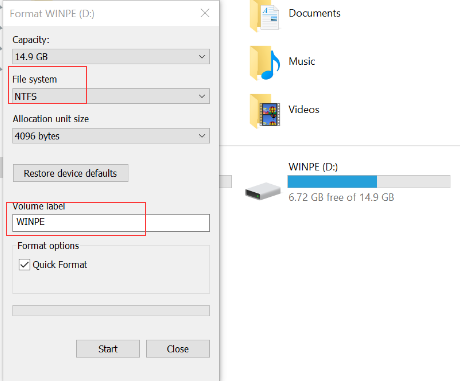
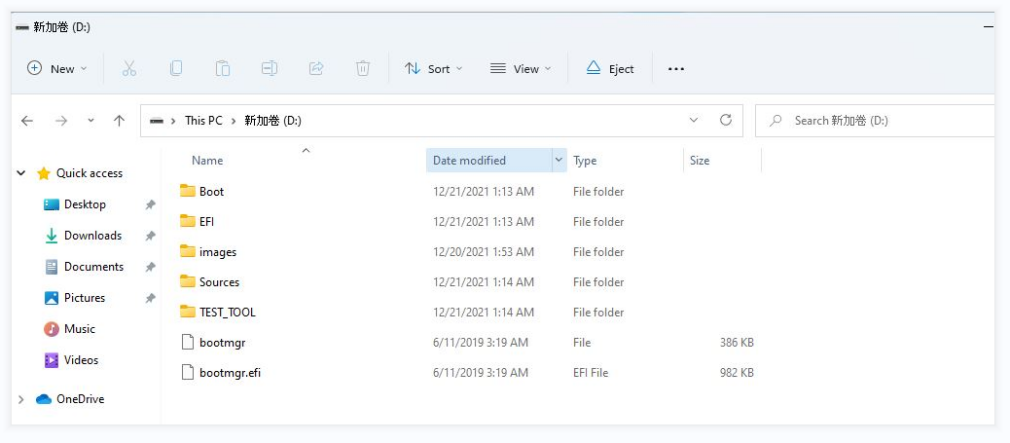
2.Download the Windows system from the GEEKOM official website to your desktop and copy all of the files to the U disk’s root directory.
Примечание: не просто скопируйте папку, скопируйте все.
3.Insert the U disk into the Mini PC, then press the power button to start the system. After that , quickly press “F7” several times to enter the BIOS, select the U disk, and press “Enter”.
Примечание: пожалуйста, не отсоединяйте USB-накопитель во время процесса установки ОС.

4.The system will start installing automatically.This process will take about five minutes. Please be patient.
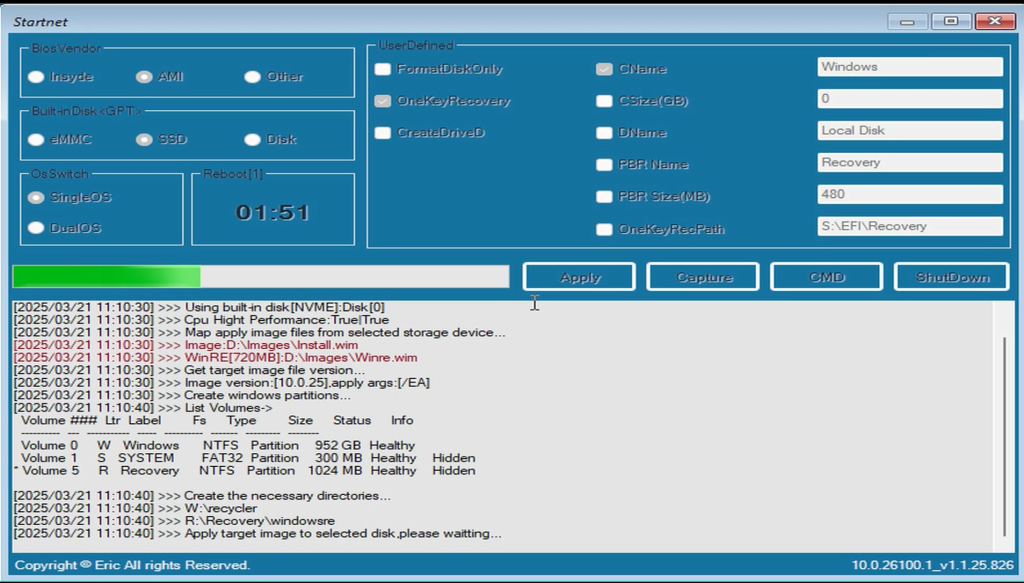
If you encounter other issues during the installation, you can also refer to this tutorial to identify the specific cause of the problem.
How to resolve failures when using a USB drive to install the system, BIOS, or EC?
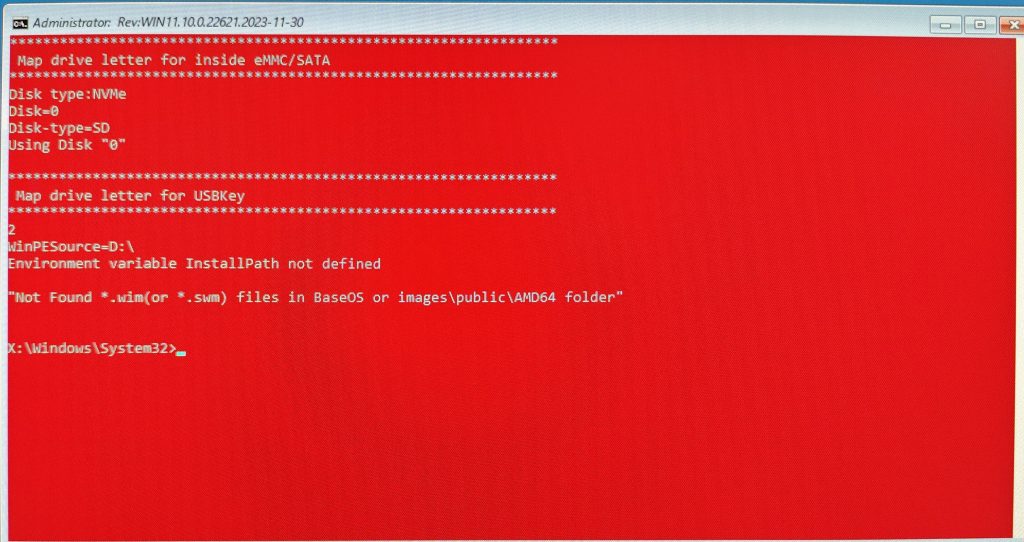
5.If the installation fails, as shown in the picture below, it may be because the name of your USB flash drive has not been changed to “winpe“.
6.After the image deployment is complete, remove the U-disk and restart the system.
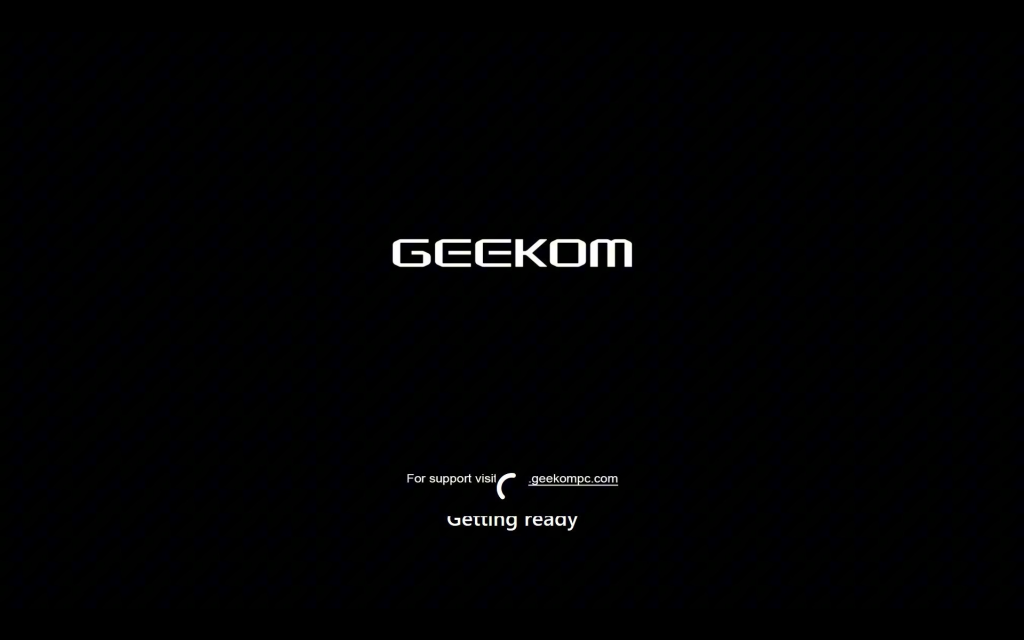
7.After restarting the Mini PC, follow the on-screen prompts to complete the language, country, region, account, password, and other settings.
8.Once the configuration is complete, the computer will restart, please be patient and wait for the loading to complete.Below is the system’s OOBE interface, which is the starting point for the initial operating system setup.

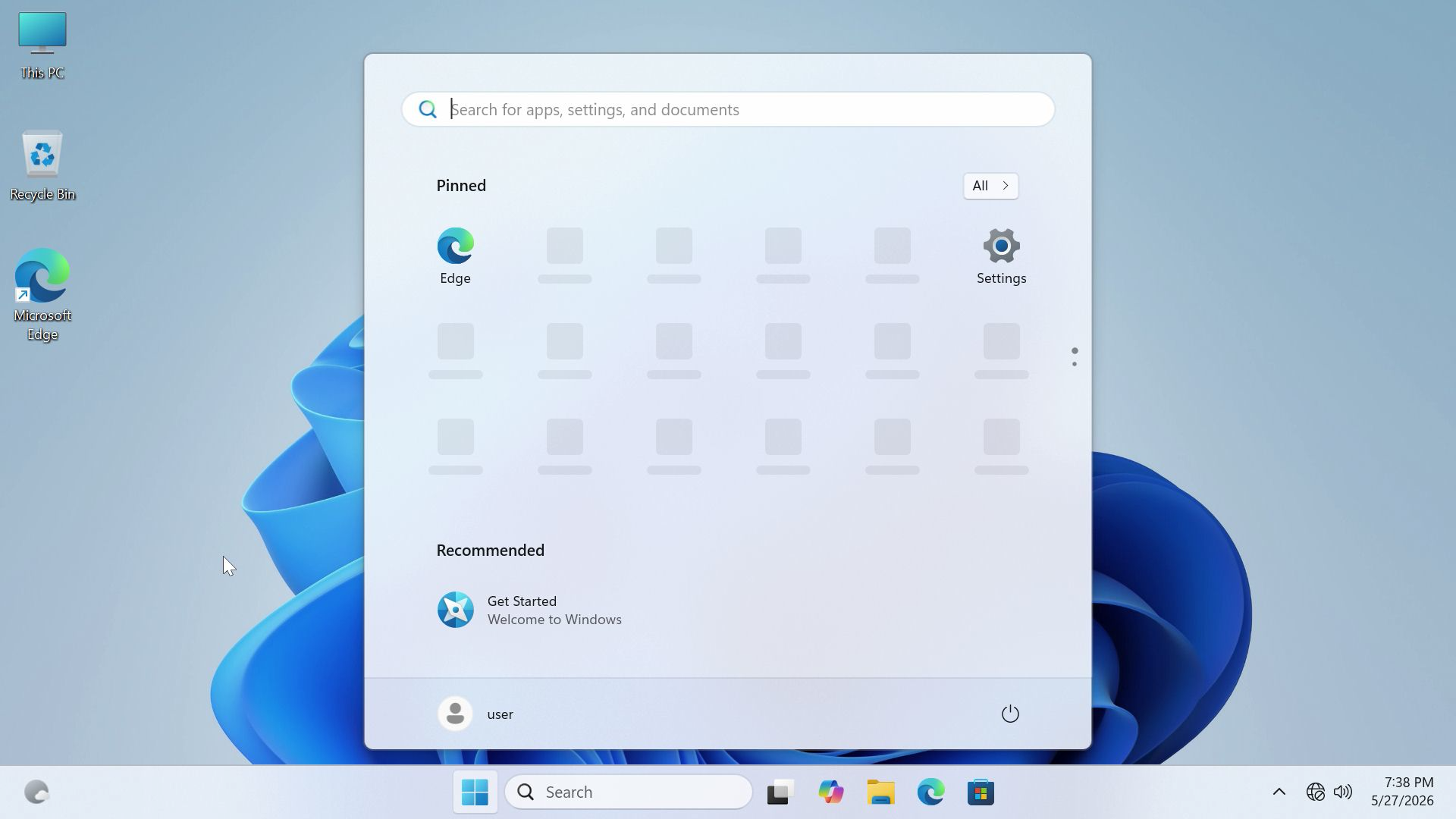
9.Once the loading is complete, the computer will finish installing Windows System.The image below shows the system desktop interface after the initial system setup is completed.
Спасибо за просмотр. Если есть какие-либо ошибки, ваши исправления приветствуются.

 Русский
  English
  Deutsch
  English (UK)
  English (Australia)
  Français
  English (Canada)
  Italiano
  Español
  日本語
日本語